 English
تعد الإدارة الفعالة للوقت أمرًا بالغ الأهمية للنجاح في الحياة الشخصية والمهنية. يعد التواصل في الوقت المناسب جانبًا مهمًا لإدارة الوقت بكفاءة، ولكن في بعض الأحيان قد يكون من الصعب تحقيق التوازن بين التواصل والمسؤوليات الأخرى. وهنا يأتي دور SmsLocal؛ إنها منصة ثورية تمكن المستخدمين من جدولة الرسائل النصية لتسليمها لاحقًا، مما يضمن عدم إغفال الرسائل المهمة.
وفي هذه المقالة سوف نستكشف فوائد إرسال رسالة نصية لاحقًا وتقديم دليل خطوة بخطوة حول كيفية القيام بذلك باستخدام SmsLocal. من خلال تعلم كيفية إرسال رسالة نصية لاحقًا، بما في ذلك كيفية إرسال رسالة نصية جماعية الرسائل، ستتمكن من إدارة وقتك بشكل أكثر فعالية وتحديد أولويات المهام التي تتطلب اهتمامك الفوري. سواء كنت محترفًا مشغولًا أو طالبًا يقوم بمهام متعددة، فإن هذا الدليل مثالي لأي شخص يتطلع إلى تحسين عادات الاتصال لديه وتحقيق المزيد من النجاح.
فهم أهمية إرسال النص لاحقًا
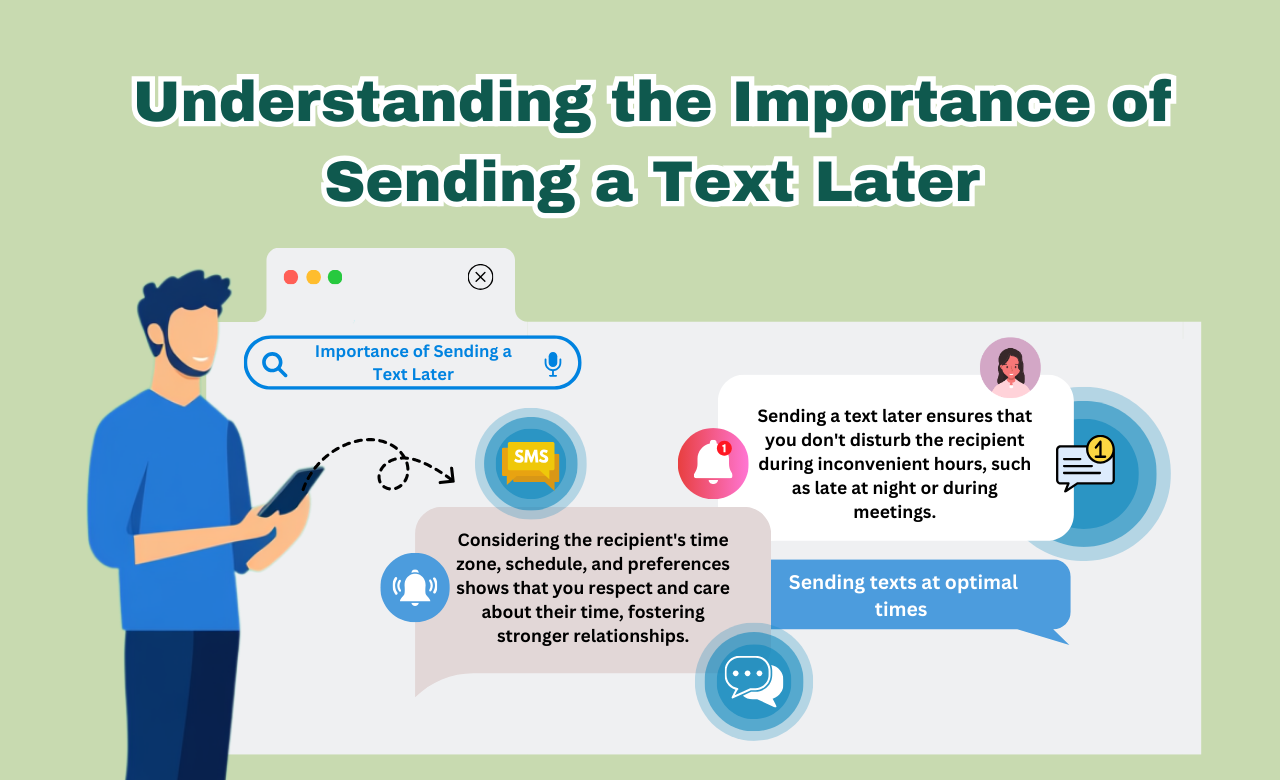
يعد إرسال رسالة نصية في الوقت المناسب عنصرًا حاسمًا للتواصل الفعال، سواء في المساعي الشخصية أو المهنية. إن انتظار اللحظة المناسبة للتواصل يمكن أن يؤدي إلى تحسين كفاءة التفاعل وتأثيره الإجمالي بشكل كبير. ومن هنا فوائد الرسائل النصية المجدولة ادخل.
ومن خلال جدولة إرسال رسالة نصية في وقت لاحق، يمكن للأفراد التأكد من تسليم رسالتهم عندما تكون أكثر فعالية. وهذا يسمح بإدارة أفضل للوقت ويمكنه حتى منع نسيان الرسائل أو فقدانها في فوضى يوم حافل.
إن استخدام حل موثوق للرسائل النصية القصيرة مثل SmsLocal يوفر الراحة والسهولة نص الجدولة الرسائل في الوقت الأمثل، مما يؤدي في النهاية إلى تعزيز التواصل وتحسين العلاقات مع الآخرين.
استكشاف حلول الرسائل القصيرة لجدولة الرسائل النصية
عندما يتعلق الأمر بجدولة الرسائل النصية، هناك مجموعة متنوعة من حلول الرسائل النصية القصيرة المتاحة، ولكل منها مجموعة من الميزات والفوائد الخاصة بها. إحدى المنصات الشائعة هي SmsLocal، والتي تتيح للمستخدمين إرسال النصوص بسهولة في وقت أو تاريخ لاحق.
يوفر SmsLocal واجهة سهلة الاستخدام لـ جدولة الرسائل وتسمح للمستخدمين لإرسال نصوص مخصصة للأفراد أو المجموعات. كما يوفر خيارات لإرسال رسائل آلية أو إعداد نصوص متكررة.
تتضمن حلول الرسائل النصية القصيرة الأخرى لجدولة الرسائل النصية منصات مثل EZ Texting وTwilio. تقدم هذه المنصات ميزات مشابهة لـ SmsLocal وتستحق الاستكشاف لمن يبحثون عن بدائل.
كيفية إرسال رسالة نصية لاحقًا باستخدام SmsLocal
إذا كنت تبحث عن طريقة سهلة ومريحة لإرسال رسالة نصية لاحقًا، فإن SmsLocal هو الحل المناسب لك. بفضل واجهته سهلة الاستخدام، يمكنك جدولة الرسائل لوقت وتاريخ لاحقين، مما يضمن عدم نسيان إرسال رسالة مهمة مرة أخرى. فيما يلي الإرشادات خطوة بخطوة حول كيفية إرسال رسالة نصية لاحقًا باستخدام SmsLocal:
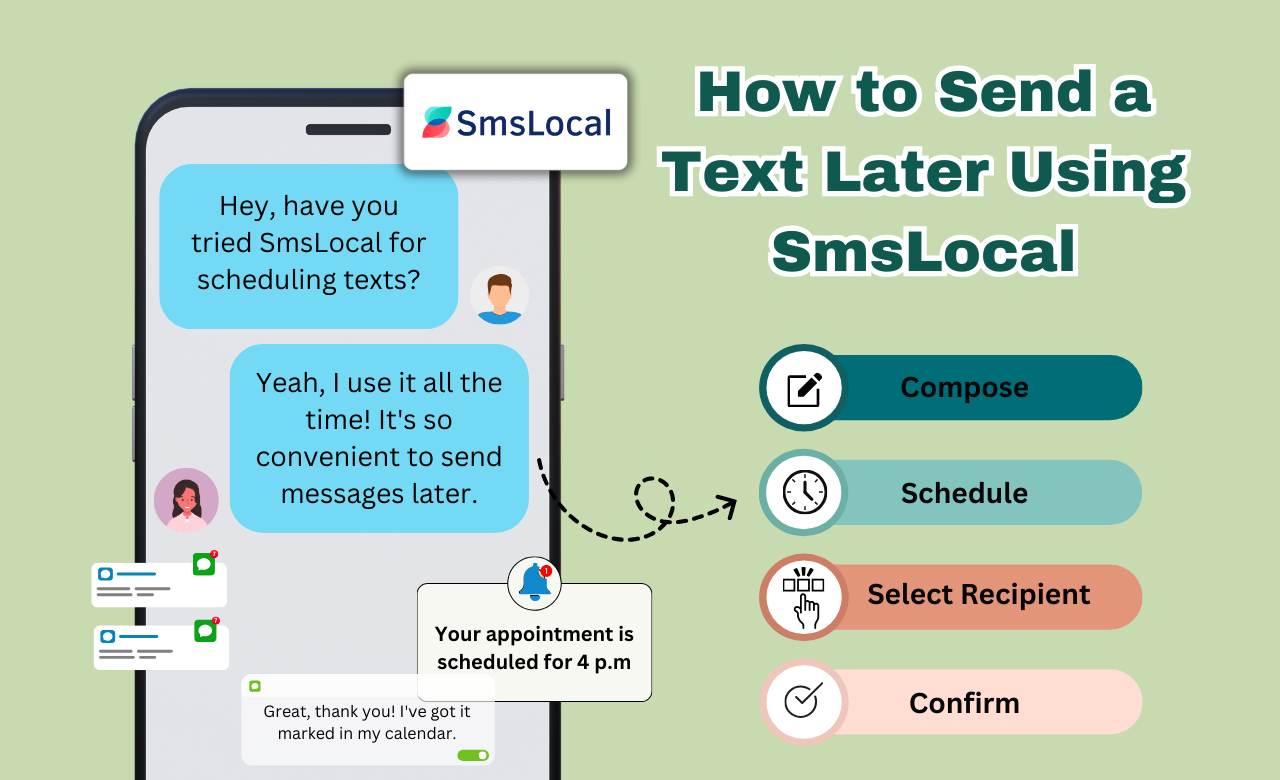
1. قم بإنشاء حساب
الخطوة الأولى لإرسال رسالة نصية باستخدام SmsLocal هي إنشاء حساب. ما عليك سوى زيارة موقع SmsLocal والنقر على زر "التسجيل". اتبع المطالبات لإدخال التفاصيل الخاصة بك، بما في ذلك اسمك والبريد الإلكتروني و رقم التليفون. ثم قم بإعداد كلمة المرور وانقر على زر "تسجيل" لإنشاء حسابك.
2. قم بتأليف الرسالة
بعد ذلك، انقر فوق الزر "إنشاء" لبدء كتابة رسالتك. يمكنك إضافة نص ورموز تعبيرية وعناوين URL وحتى مرفقات مثل الصور أو مقاطع الفيديو. استخدم خيارات التنسيق لجعل رسالتك مميزة وإضافة لمسة شخصية.
3. حدد المستلمين
بمجرد الانتهاء من كتابة رسالتك، حدد المستلمين عن طريق كتابة رسالتهم أرقام الهواتف أو الاختيار من قائمة جهات الاتصال الخاصة بك. يمكنك أيضًا اختيار جدولة الرسالة لعدة مستلمين أو إضافتهم إلى مجموعة لتسهيل المراسلة في المستقبل.
4. اختر التاريخ والوقت
حدد التاريخ والوقت المطلوب لإرسال رسالتك. يمكنك اختيار منطقة زمنية محددة أو الاختيار من الإعدادات المسبقة المتاحة، مثل "غدًا الساعة 9 صباحًا" أو "الاثنين القادم الساعة 2 ظهرًا". يوفر SmsLocal أيضًا خيار إرسال رسائل متكررة للتذكيرات أو العروض الترويجية المستمرة.
5. تأكيد والجدول الزمني
قم بمراجعة تفاصيل رسالتك والمستلمين المحددين، ثم اضغط على زر "تأكيد" لتحديد موعد تسليم رسالتك. سوف يقوم SmsLocal بعد ذلك بإرسال رسالتك في التاريخ والوقت المحددين، مما يضمن وصول رسالتك إلى المستلمين في الوقت الأمثل.
بفضل منصته سهلة الاستخدام، يجعل SmsLocal من السهل إرسال رسالة نصية لاحقًا وإدارة اتصالاتك بفعالية. جربه اليوم لتبسيط رسائلك وتوفير وقتك الثمين.
الخطوة 1: إعداد حساب على SmsLocal
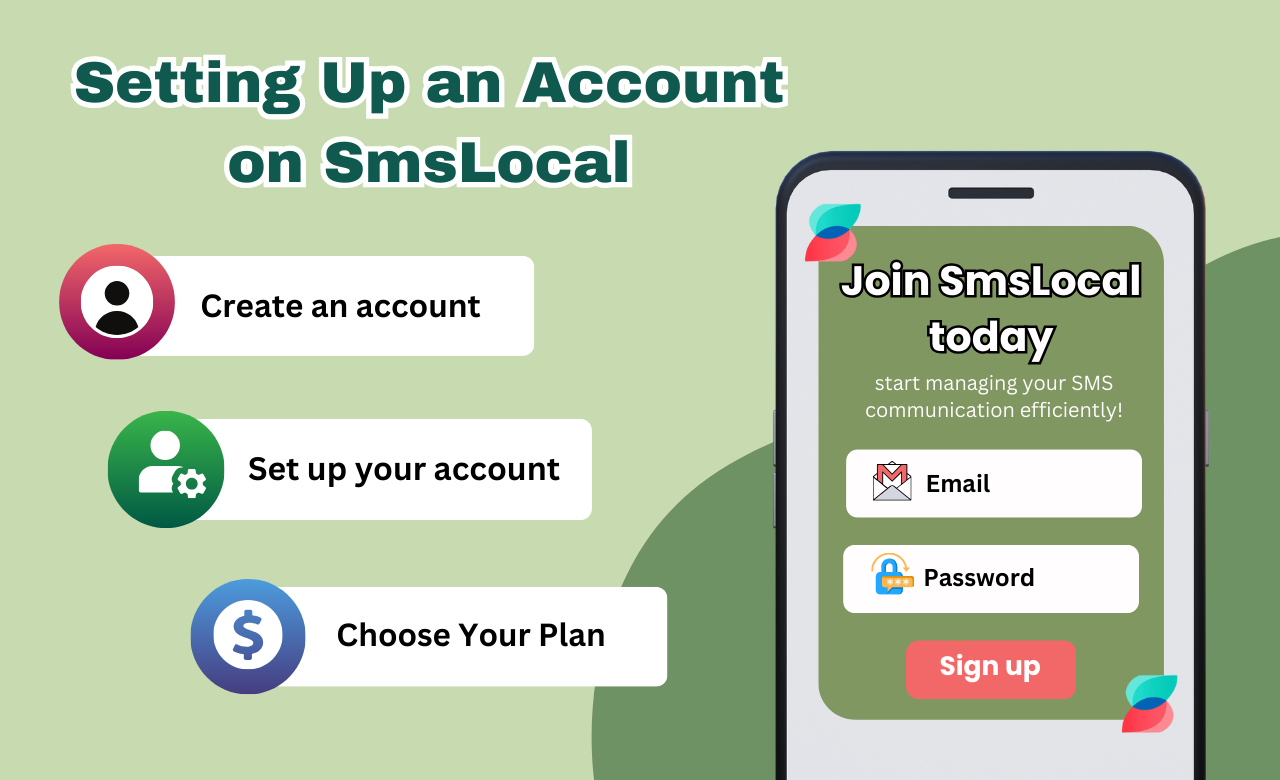
قبل إرسال رسالة نصية لاحقًا، الخطوة الأولى هي إعداد حساب على SmsLocal. هذه العملية بسيطة وسهلة، وتضمن إمكانية وصول المستخدمين إلى جميع ميزات هذه المنصة.
للبدء، انتقل إلى موقع SmsLocal وانقر على زر "التسجيل" الموجود في الركن الأيمن العلوي من الصفحة الرئيسية. قم بملء التفاصيل المطلوبة، بما في ذلك اسمك وعنوان البريد الإلكتروني وكلمة المرور التي تختارها.
بمجرد ملء المعلومات اللازمة، انقر على زر "التسجيل". سوف ترسل SmsLocal رسالة تحقق إلى عنوان البريد الإلكتروني الذي قدمته. انقر على الرابط الموجود في البريد الإلكتروني للتحقق من حسابك وإكمال عملية التسجيل.
بعد إعداد حسابك بنجاح، يمكنك البدء في استكشاف ميزات SmsLocal، بما في ذلك خيار جدولة النصوص ليتم إرسالها لاحقا.
الخطوة 2: تأليف الرسالة النصية
بمجرد قيامك بإعداد حسابك على SmsLocal، فقد حان الوقت لإنشاء رسالتك النصية. يوفر SmsLocal واجهة سهلة الاستخدام تسمح لك بإنشاء رسائل جذابة وغنية بالمعلومات يمكن جدولتها لاحقًا.
عند إنشاء رسالتك، يمكنك الاختيار من بين خيارات التنسيق المتنوعة، بما في ذلك الخط الغامق والمائل والتسطير، للتأكيد على كلمات أو عبارات معينة. الحد الأقصى لعدد الأحرف لكل رسالة هو 160 حرفًا لكل رسالة نصية قصيرة، ويمكنك إضافة رسائل إضافية لتشكيل رسالة أطول إذا لزم الأمر.
يوفر SmsLocal أيضًا ميزات إضافية عند إنشاء رسالتك النصية، مثل إضافة الرموز التعبيرية لنقل المشاعر أو استخدام حقول الدمج لتخصيص محتوى الرسالة للمستلمين الفرديين.
من خلال إنشاء رسالة نصية مثالية، يمكنك التأكد من أن رسالتك واضحة وفعالة، وتنقل الرسالة المقصودة إلى جمهورك.
الخطوة 3: اختيار المستلمين
بعد إنشاء الرسالة النصية، فإن الخطوة التالية في إرسال النص لاحقًا باستخدام SmsLocal هي تحديد المستلمين. سواء كان ذلك للاستخدام الشخصي أو المهني، يقدم SmsLocal خيارات متعددة لاختيار المستلمين.
- حدد جهات اتصال فردية من دليل الهاتف الخاص بك أو قم بإضافة جهات اتصال جديدة إلى حساب SmsLocal الخاص بك.
- قم بإنشاء مجموعات اتصال لسهولة التنظيم وإرسال الرسائل إلى عدة أشخاص في وقت واحد.
- تخصيص قوائم المستلمين لمزيد من الرسائل المستهدفة.
من خلال تحديد المستلمين المناسبين لرسالتك النصية المجدولة، يمكنك التأكد من استلام رسالتك من قبل الأشخاص المناسبين في الوقت المناسب.
الخطوة 4: اختيار التاريخ والوقت
Choosing the date and time for your scheduled text message is a crucial step, and SmsLocal makes it easy to do so. The platform allows users to schedule texts for future occasions or important reminders, providing flexibility and convenience.
To select the desired date and time, simply click on the calendar icon and choose the date from the pop-up window. From there, select the appropriate hour and minute for when the message should be sent. It’s important to double-check the selected date and time to ensure accuracy.
Step 5: Confirming and Scheduling the Text
After completing the previous steps, it’s time to double-check and confirm the message details before scheduling it using SmsLocal. This final check ensures that everything is accurate and that the text message is ready for sending at the designated time.
Before confirming the scheduled message, ensure that the text message is error-free and free of any typos. Verify that the recipients’ list and the scheduled time and date are correct.
Once everything is in order, click on the “Schedule” button to confirm and schedule the text message.
The image above illustrates the process of confirming and scheduling a text message on SmsLocal.
With these simple steps, sending a text message later has never been easier, thanks to SmsLocal. Confirm and schedule your messages with ease and confidence!
Additional Tips and Best Practices for Sending Texts Later
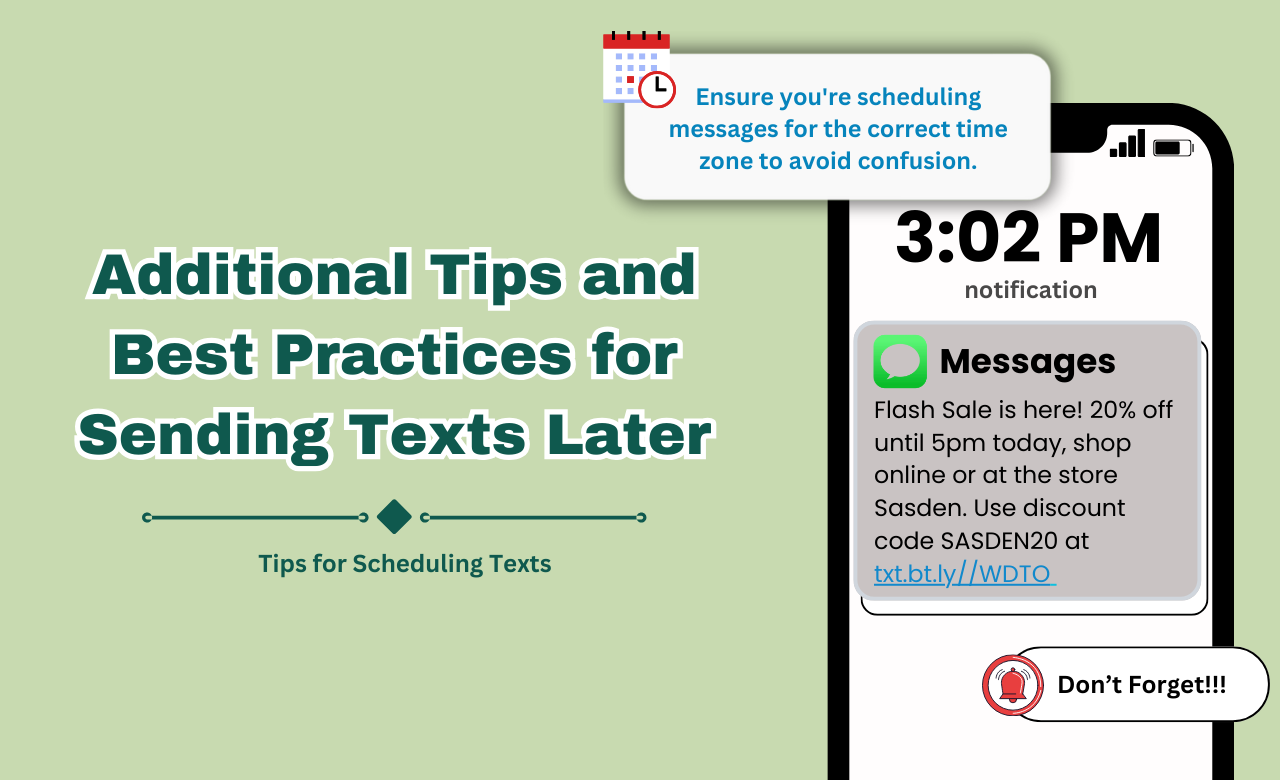
While sending texts later may seem like a simple task, there are several best practices that can ensure your messages are delivered accurately and effectively. Here are some additional tips to consider when using SmsLocal to send texts later:
Personalization
Personalizing your text messages can make them more engaging and increase their impact. Consider using the recipient’s name or referencing a recent conversation to make the message feel more tailored to their specific needs.
Optimizing Delivery Times
The timing of your message can be just as important as the message itself. Keep in mind the recipient’s schedule and time zone to ensure that your message arrives at a time that is most convenient for them.
تجنب الأخطاء الشائعة
Sending a text message can be prone to errors, but there are some common mistakes you can avoid. Double-check your recipient list to ensure that you’re sending the message to the correct recipients. Additionally, review your message for any spelling or grammatical errors before scheduling.
By following these additional tips and best practices, you can ensure that your scheduled رسائل نصية are not only delivered on time but are also tailored to the recipient’s needs and preferences.
Exploring Other SMS Solutions for Scheduling Messages
If you’re looking for SMS solutions beyond SmsLocal for scheduling messages, there are various alternatives available in the market. Let’s take a look at some other popular platforms you can use to send texts later.
Textra SMS
Textra SMS is a highly customizable texting app for Android users. In addition to scheduling messages, users can also create SMS templates and configure message pop-ups. The app comes with over 100 themes and night mode options, making it the perfect choice for those who prioritize design and aesthetics.
Twilio
Twilio is an all-in-one cloud communication platform that offers messaging, voice, and video APIs to businesses of all sizes. The platform allows you to customize and automate SMS workflows, ensuring that you can reach customers at the right time and place. Although pricing for Twilio’s SMS solution might vary, it’s worth exploring for businesses that prioritize customer experience.
Google Messages
Google Messages is a highly accessible SMS app that comes pre-installed on most Android devices. Along with offering basic messaging features, the app also allows users to schedule messages, send read receipts, and enable chat features. The app’s ease of use and seamless integration with Google services make it a top choice for Android users.
When exploring other SMS solutions for scheduling messages, it’s crucial to compare their features, pricing, and user reviews. With the right SMS solution, you can streamline your communications and enhance your overall efficiency.
SMS Group Messaging: Enhancing Communication Efficiency
Group messaging can significantly enhance communication efficiency, especially in business settings. With platforms like SmsLocal, users can send messages to multiple recipients simultaneously, creating distribution lists for targeted communication. This feature can save time and effort in delivering a message to a large group of people.
SmsLocal also allows business users to customize their messages, adding a personalized touch to their communications. This can help establish stronger relationships with customers, partners, and employees. Additionally, group messaging can be used to send automated notifications, such as appointment reminders or order confirmations, boosting overall efficiency.
Overall, SMS group messaging can improve communication efficiency by enabling targeted communication, automation of notifications, and customization of messages. With SmsLocal, this feature is easily accessible and user-friendly, making it a worthwhile addition to any communication strategy.
The Power of Transactional Bulk SMS for Businesses
Transactional bulk SMS is a powerful tool that businesses can use to streamline customer interactions and boost efficiency. With SMS, businesses can communicate with customers easily and effectively, sending automated notifications, appointment reminders, and marketing messages all in one go.
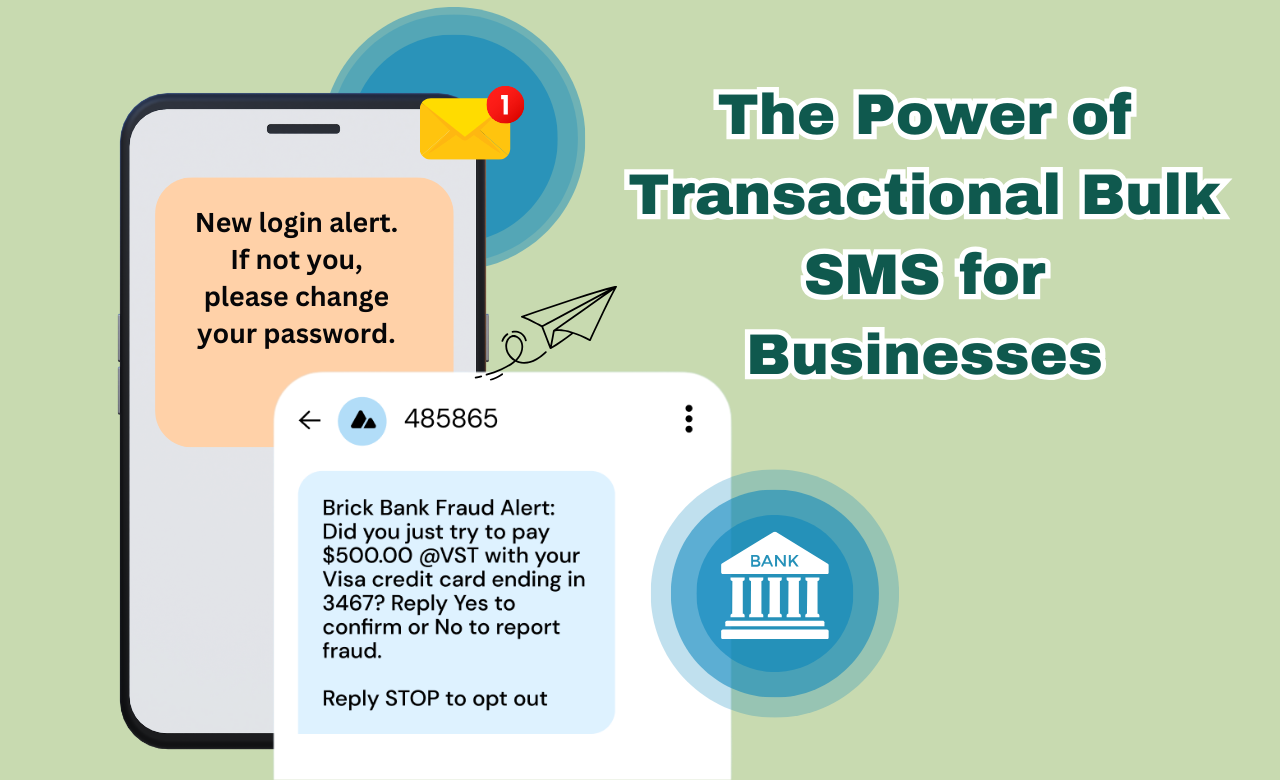
SmsLocal is an excellent platform for businesses looking to send transactional bulk SMS messages. The platform is easy to use and allows businesses to send messages to thousands of customers in seconds. Whether it’s sending out important notifications or promotional offers, SmsLocal makes it easy for businesses to stay in touch with their customers.
One of the biggest advantages of using transactional bulk SMS is the ability to send automated messages. Businesses can create custom templates that are triggered automatically when a specific event occurs. For example, a restaurant can send a reminder to customers who have made a reservation, or a shipping company can send a notification when a package is shipped.
Transactional bulk SMS can also help businesses save time and money. Instead of relying on phone calls or emails to communicate with customers, businesses can use SMS to send messages quickly and efficiently. This can free up valuable time for businesses to focus on other areas of their operations.
Overall, transactional bulk SMS is an incredibly powerful tool for businesses. With SmsLocal, businesses can easily send messages to thousands of customers, automate notifications and reminders, and save time and money in the process. By using SMS as a communication tool, businesses can improve customer satisfaction and boost efficiency in one fell swoop.
خاتمة
In conclusion, sending a text later is a simple yet effective solution for managing time and improving communication. Thanks to platforms like SmsLocal, it is now easier than ever to schedule text messages and stay on top of personal and professional communication.
By following the five easy steps outlined in this article, readers can take advantage of this powerful tool and save valuable time and energy. From setting up an account to confirming and scheduling the text, every step has been covered in detail to ensure a smooth experience.
Whether you’re a busy professional, a forgetful friend, or just someone who values efficient communication, sending a text later is a game-changer. So why not give it a try with SmsLocal and see the benefits for yourself?