 English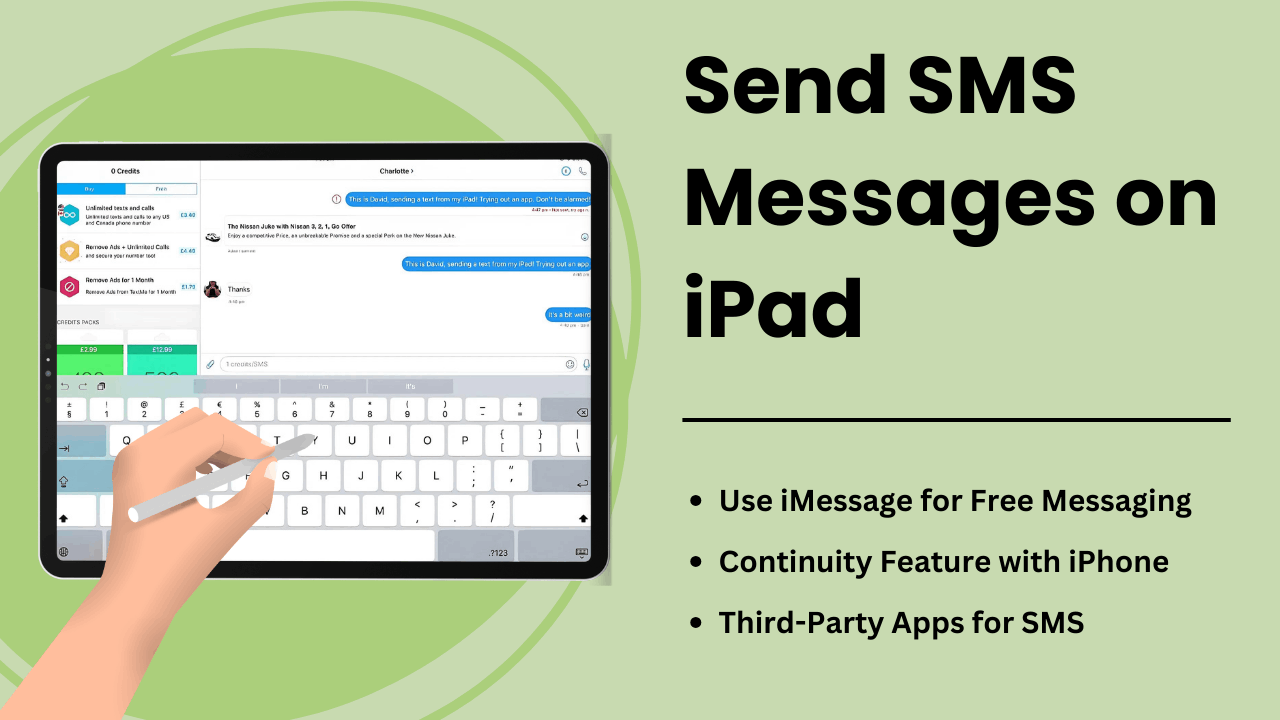
Send SMS Messages on iPad allows users to expand the tablet’s functionality, turning it into a robust communication tool. While iPads are not equipped with native SMS capabilities like iPhones, Apple’s Continuity feature and third-party messaging apps offer convenient ways to send and receive text messages on the device.
Whether you’re a professional looking to streamline communication or an everyday user seeking ease of access, understanding how SMS works on an iPad can significantly improve your user experience. This guide explores the methods, technical aspects, benefits, and troubleshooting tips for Send SMS Messages on an iPad.
Principais vantagens:
- Apple’s Continuity Feature: You can send and receive SMS on an iPad when it is paired with an iPhone via the same Apple ID.
- Third-Party Apps: SMS services like Google Voice or WhatsApp allow users to bypass the need for an iPhone.
- SMS Relay: The technical process that allows the iPad to send SMS through the iPhone using iCloud and Apple ID synchronization.
- Improved Productivity: With a larger screen and multitasking features, the iPad offers enhanced messaging experiences.
- Troubleshooting Tips: Common issues like message failures can be fixed by adjusting settings or syncing your Apple devices properly.
What is Send SMS Messages on iPad
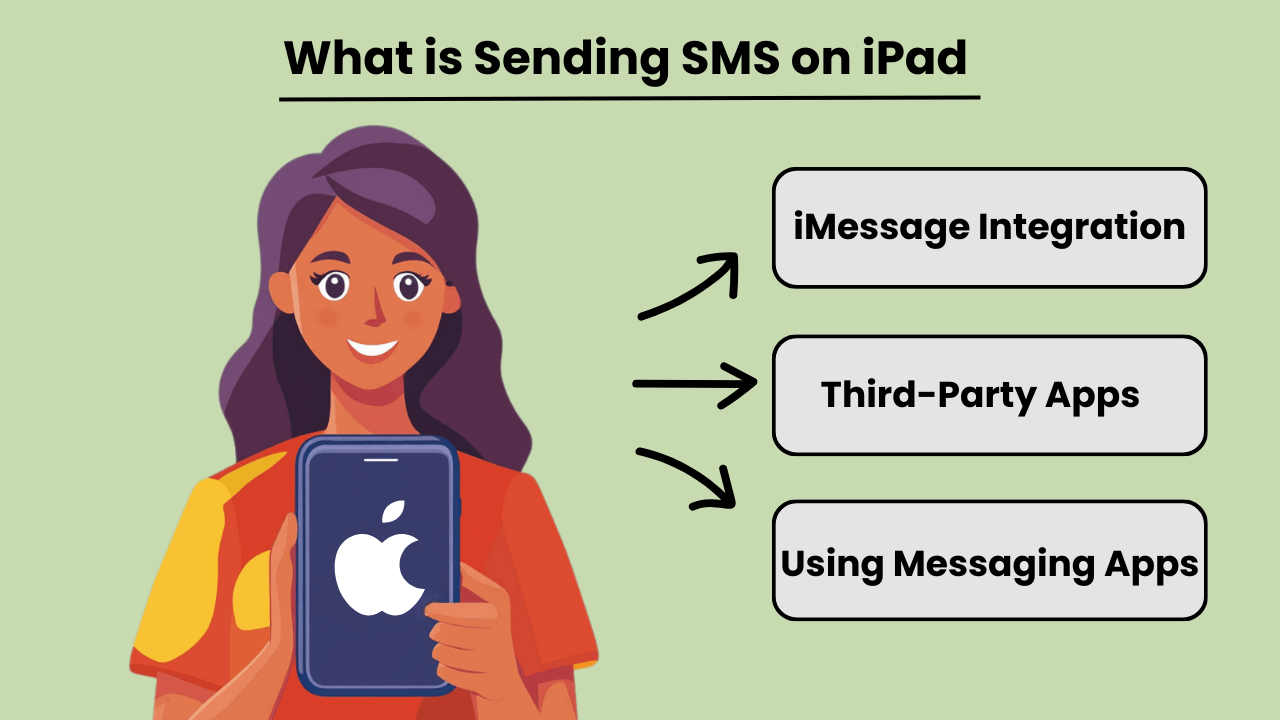
Send SMS Messages on an iPad allows users to send and receive traditional text messages, even though iPads are not inherently designed for cellular communication like iPhones. Through integration with an iPhone or by using third-party messaging apps, users can access SMS messaging capabilities. This feature becomes available when both the iPad and iPhone are signed into the same Apple ID, using the Continuity feature from Apple.
In addition to the iPhone connection, several apps offer SMS messaging capabilities directly on the iPad, allowing users to reach non-Apple devices. By using apps like Google Voice or WhatsApp, users can bypass the reliance on a phone entirely and send SMS through their iPad’s internet connection.
Importance of SMS Messaging on iPad
SMS messaging on an iPad enhances the device’s versatility, making it more useful for users who rely on constant communication. For professionals or individuals who prefer a larger screen, sending texts through an iPad can streamline communication without needing to switch between devices. It brings the benefits of desktop texting to a portable tablet, allowing seamless workflows.
Additionally, being able to send SMS directly from an iPad can improve accessibility, especially for users who might have difficulty typing on smaller devices. The integration of messaging apps or Continuity helps keep all communication centralized on a single device.
Advantages of Integrating iPad with SMS Features
Integrating SMS features on an iPad offers several advantages, such as improved productivity and convenience. By linking an iPhone and iPad, users can send and receive messages from any device, ensuring that important conversations are not missed while switching between devices. This seamless transition between devices fosters greater flexibility.
Moreover, using apps that support SMS on iPads allows users to communicate internationally without incurring expensive texting fees, making it a cost-effective solution. The larger screen and robust keyboard options on the iPad also enhance the overall messaging experience.
How Does Sending SMS on iPad Work: Technical Overview
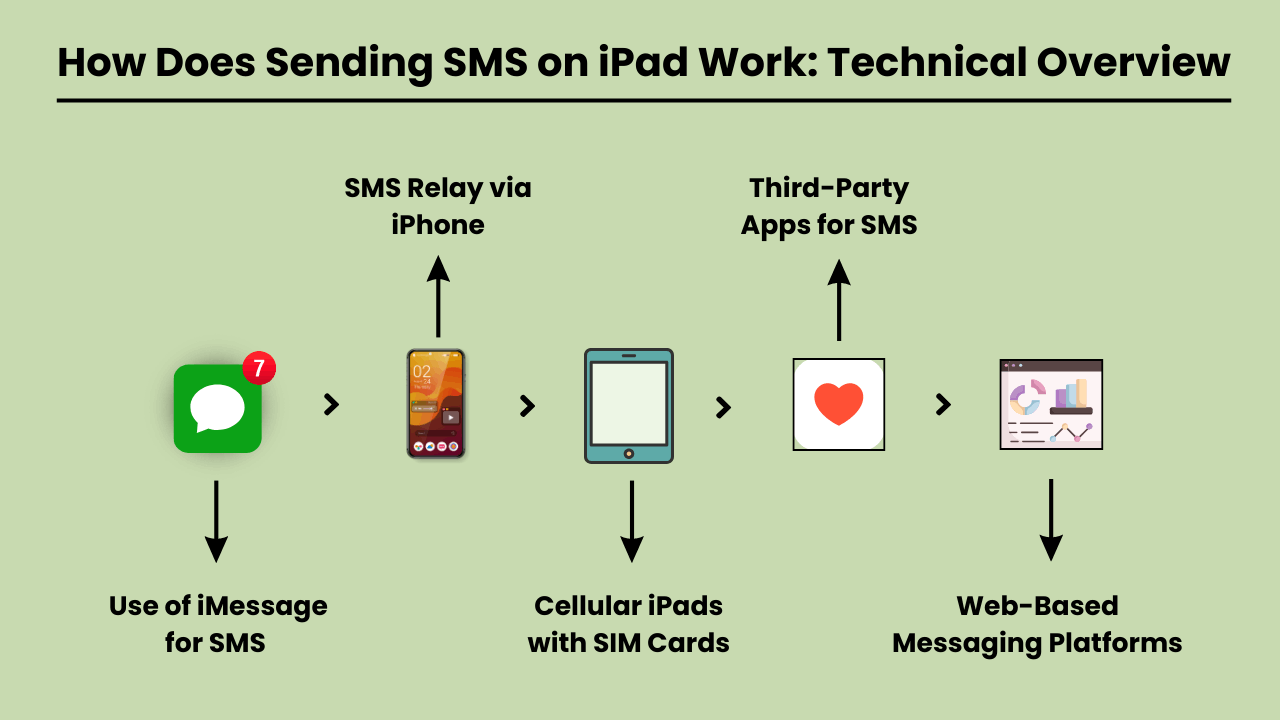
Send SMS Messages on an iPad involves using a technical system that integrates with both iOS and cellular carrier services. Since iPads are typically Wi-Fi-only devices or rely on cellular data, they lack native SMS functionality found in traditional phones. To enable SMS on an iPad, Apple uses a feature called SMS Relay, which is part of the Continuity suite in iOS. SMS Relay allows iPads to send and receive SMS and MMS messages through a paired iPhone, bridging the gap between the device’s limitations and the capabilities of cellular networks. This process relies on the seamless integration of iCloud services, Apple ID, and carrier support to ensure messages are delivered as they would be from a traditional phone.
SMS Relay and iCloud Services
SMS Relay is the backbone of Send SMS Messages QUERY LENGTH LIMIT EXCEEDED. MAX ALLOWED QUERY : 500 CHARS
Role of iOS in SMS Integration
QUERY LENGTH LIMIT EXCEEDED. MAX ALLOWED QUERY : 500 CHARS
Carrier Services Enabling SMS Relay
QUERY LENGTH LIMIT EXCEEDED. MAX ALLOWED QUERY : 500 CHARS
Benefits of Sending SMS on iPad: Why You Should Use It
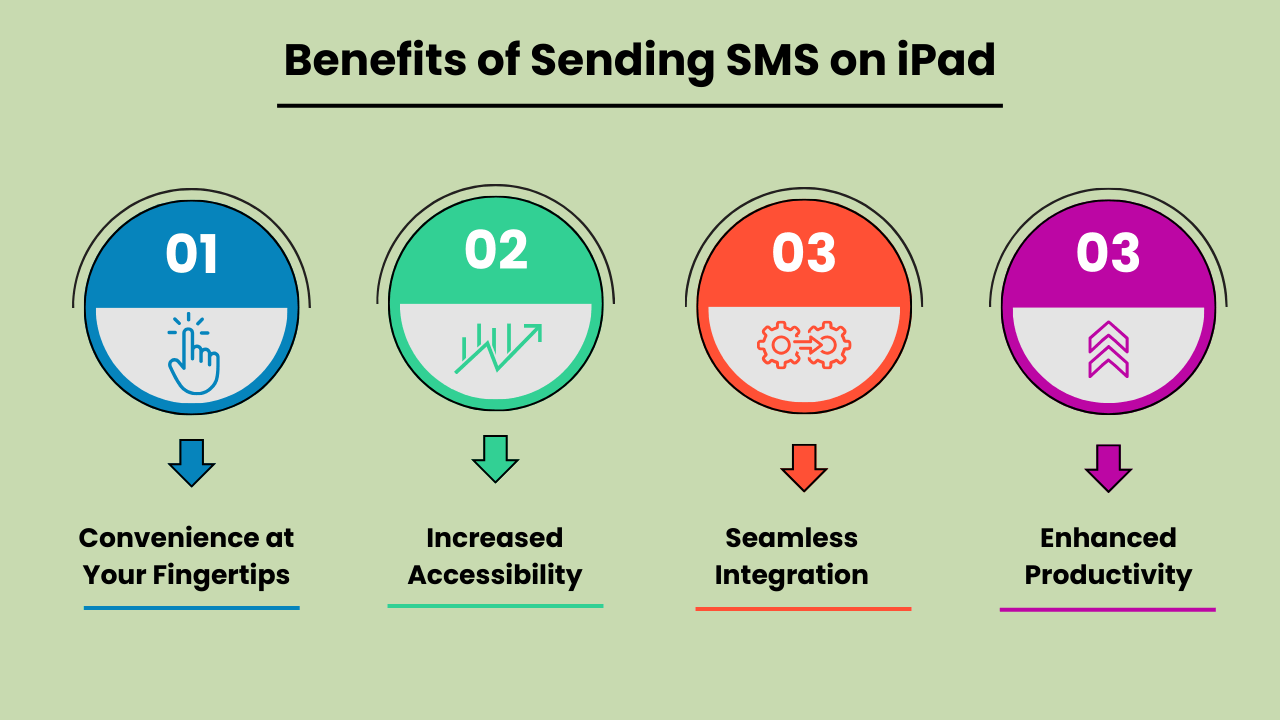
The iPad has become an essential tool for communication, offering convenience, versatility, and ease of use. One of the key features is the ability to send SMS messages directly from the device. Whether you’re at home, in the office, or on the go, Send SMS Messages on an iPad offers significant benefits that enhance your communication experience. The iPad’s larger screen, intuitive interface, and ability to sync with other Apple devices make texting effortless and more efficient. Additionally, SMS functionality on an iPad provides seamless connectivity, allowing users to stay in touch with friends, family, and colleagues from virtually anywhere. With the rise of digital communication, using an iPad to send SMS is not only practical but also a smart choice for modern users.
Convenience at Your Fingertips
Send SMS Messages on an iPad offers unmatched convenience. Unlike traditional mobile phones, the iPad’s larger screen allows for more comfortable typing and message reading. Whether you’re sending a quick update or having an extended conversation, the iPad’s user-friendly interface ensures that your messages are sent with ease. This convenience makes it an ideal device for both personal and professional communication needs.
Increased Accessibility
The iPad’s SMS functionality provides increased accessibility, especially for individuals who might find smaller mobile devices difficult to use. The larger, clearer screen is particularly helpful for those with visual impairments or limited dexterity. Additionally, with the ability to connect to Wi-Fi, users can send SMS messages without relying solely on a mobile network, ensuring accessibility even in areas with poor cell service.
Seamless Integration with Other Apple Devices
One of the biggest advantages of Send SMS Messages on an iPad is its seamless integration with other Apple devices. Messages sent on an iPad can be synced across all devices within the Apple ecosystem, including iPhones and MacBooks. This feature allows users to pick up conversations from any device, providing flexibility and continuity in communication. It enhances productivity by ensuring that no messages are missed, regardless of the device being used at the moment.
Enhanced Productivity for Multitasking
QUERY LENGTH LIMIT EXCEEDED. MAX ALLOWED QUERY : 500 CHARS
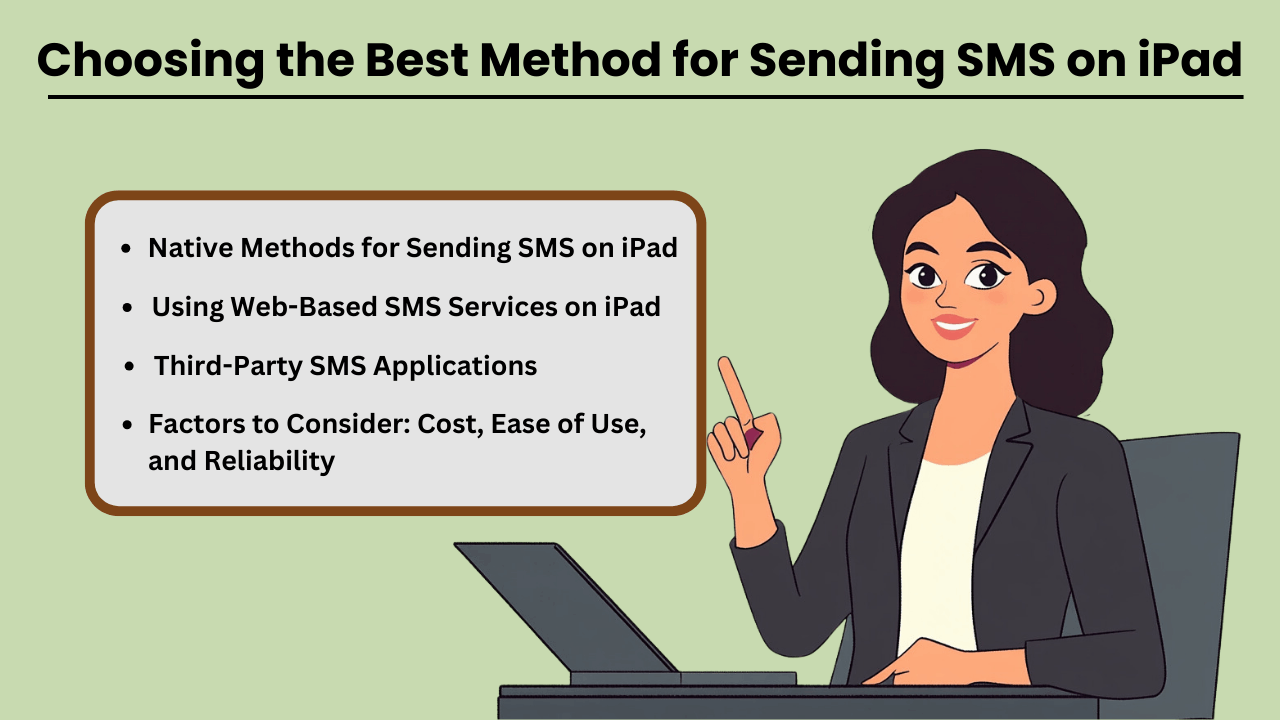
Choosing the Best Method for Sending SMS on iPad: Options and Considerations
QUERY LENGTH LIMIT EXCEEDED. MAX ALLOWED QUERY : 500 CHARS
Native Methods for Sending SMS on iPad
If you already own an iPhone, Apple’s native messaging solution, iMessage, allows you to send SMS from your iPad seamlessly. This method leverages Apple’s ecosystem, offering a smooth experience with minimal setup. The advantage of this approach is that it is highly reliable, as it uses your iPhone’s mobile network to relay messages through the iPad. Moreover, it is cost-effective since you don’t need any additional apps or subscriptions, making it an ideal solution for casual, everyday use.
Third-Party SMS Applications
For those without an iPhone or in need of advanced features, third-party applications like Google Voice, TextNow, and WhatsApp provide alternatives. These apps are designed to offer SMS functionality using a data or Wi-Fi connection, enabling users to send messages globally. These services can be more versatile than iMessage, as they allow communication with non-Apple devices without relying on phone network continuity. While some services are free, others come with premium features at a cost, offering features like message scheduling, bulk sending, and advanced reporting.
Factors to Consider: Cost, Ease of Use, and Reliability
QUERY LENGTH LIMIT EXCEEDED. MAX ALLOWED QUERY : 500 CHARS
Using Web-Based SMS Services on iPad
QUERY LENGTH LIMIT EXCEEDED. MAX ALLOWED QUERY : 500 CHARS
Troubleshooting Common Issues with Sending SMS on iPad: Solutions and Fixes
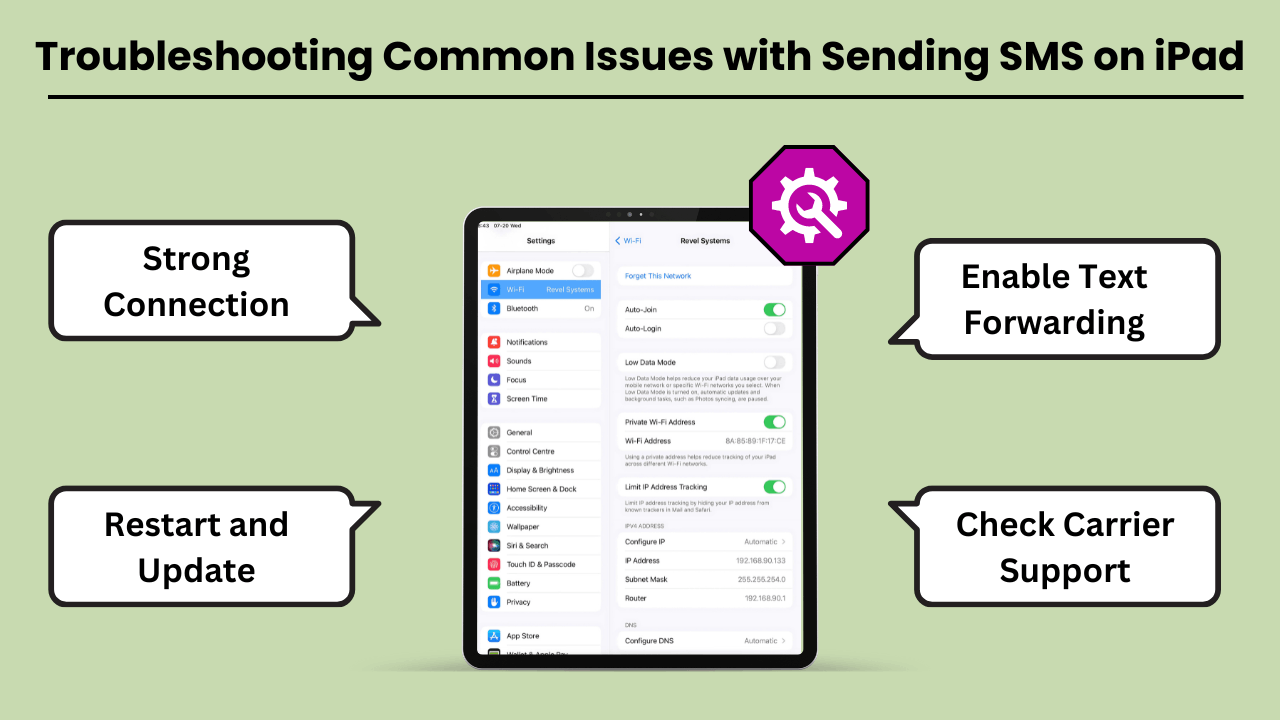
Send SMS Messages on an iPad QUERY LENGTH LIMIT EXCEEDED. MAX ALLOWED QUERY : 500 CHARS
Common Errors and Issues with Sending SMS on iPad
QUERY LENGTH LIMIT EXCEEDED. MAX ALLOWED QUERY : 500 CHARS
Troubleshooting Tips and Solutions
QUERY LENGTH LIMIT EXCEEDED. MAX ALLOWED QUERY : 500 CHARS
Conclusão
QUERY LENGTH LIMIT EXCEEDED. MAX ALLOWED QUERY : 500 CHARS
QUERY LENGTH LIMIT EXCEEDED. MAX ALLOWED QUERY : 500 CHARS
Perguntas frequentes
You can use third-party messaging apps like Google Voice, WhatsApp, or TextNow to send SMS using your iPad’s internet connection.
Yes, if you are using the Continuity feature with your iPhone, both devices need to be on the same Wi-Fi network. Alternatively, third-party apps rely on a Wi-Fi or data connection.
Check if both devices are signed into the same Apple ID and that Text Message Forwarding is enabled on your iPhone. Restarting both devices can also resolve this issue.on Content
Apps like Google Voice, WhatsApp, TextNow, and Skype allow you to send SMS on your iPad without needing an iPhone.
Yes, using apps like WhatsApp, TextNow, or Google Voice allows you to send international SMS at lower or no cost, depending on the app’s features.